Motion Prompt
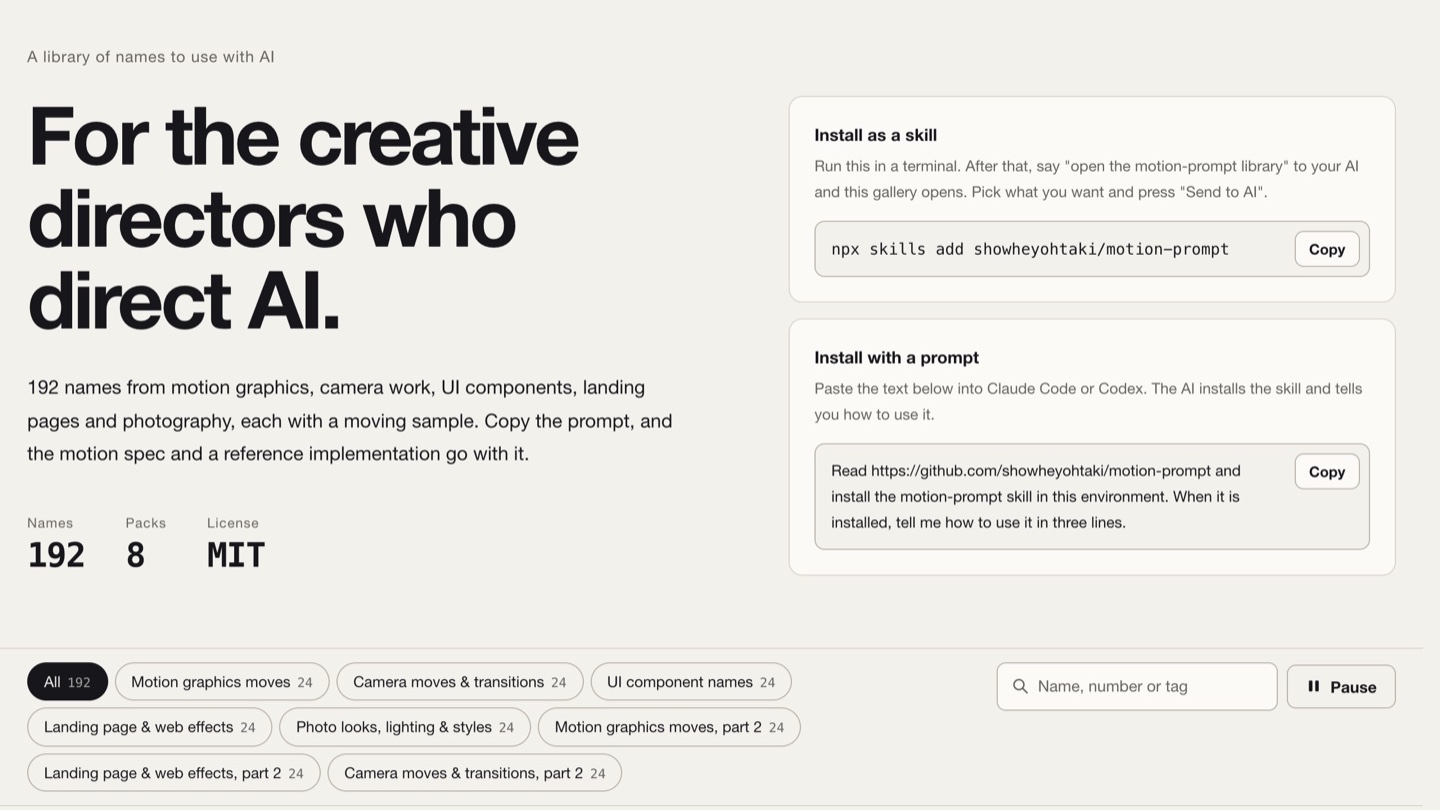
A library of names for working with AI — 192 names for motion, camera moves, UI patterns, landing-page effects and photography looks. Each comes with a moving sample, a one-line meaning, an example request and a motion spec precise to the millisecond. MIT, five languages, installable as an agent skill.
- names
- 192 names · 8 packs
- languages
- English / Japanese / Spanish / Simplified & Traditional Chinese
- each name
- Moving sample + one-line meaning + example request + motion spec
- license
- MIT · 1.9K stars · 187 forks
- install
- npx skills add showheyohtaki/motion-prompt
- author
- Shohei Ohtaki (Daytra Inc.)
- published
- 2026-11-11
- updated
- 2026-11-11
Contents9 sections · 0 items
What blocks people isn't imagination, it's the name
Shohei Ohtaki started by posting a few short videos on X that put names to motion-graphics moves and camera moves. Within days the comments came in. One of them said, in essence: what has been holding me back is not a lack of imagination. It's not knowing what this kind of movement is called.
That comment became the project's starting point. If people who know their field, in many languages, laid out the common language you need to work well with AI as a library you can browse, it would be genuinely useful — so he built Motion Prompt: not a style to copy, but a library of names.
The headline puts it plainly: For the creative directors who direct AI.
What one name looks like
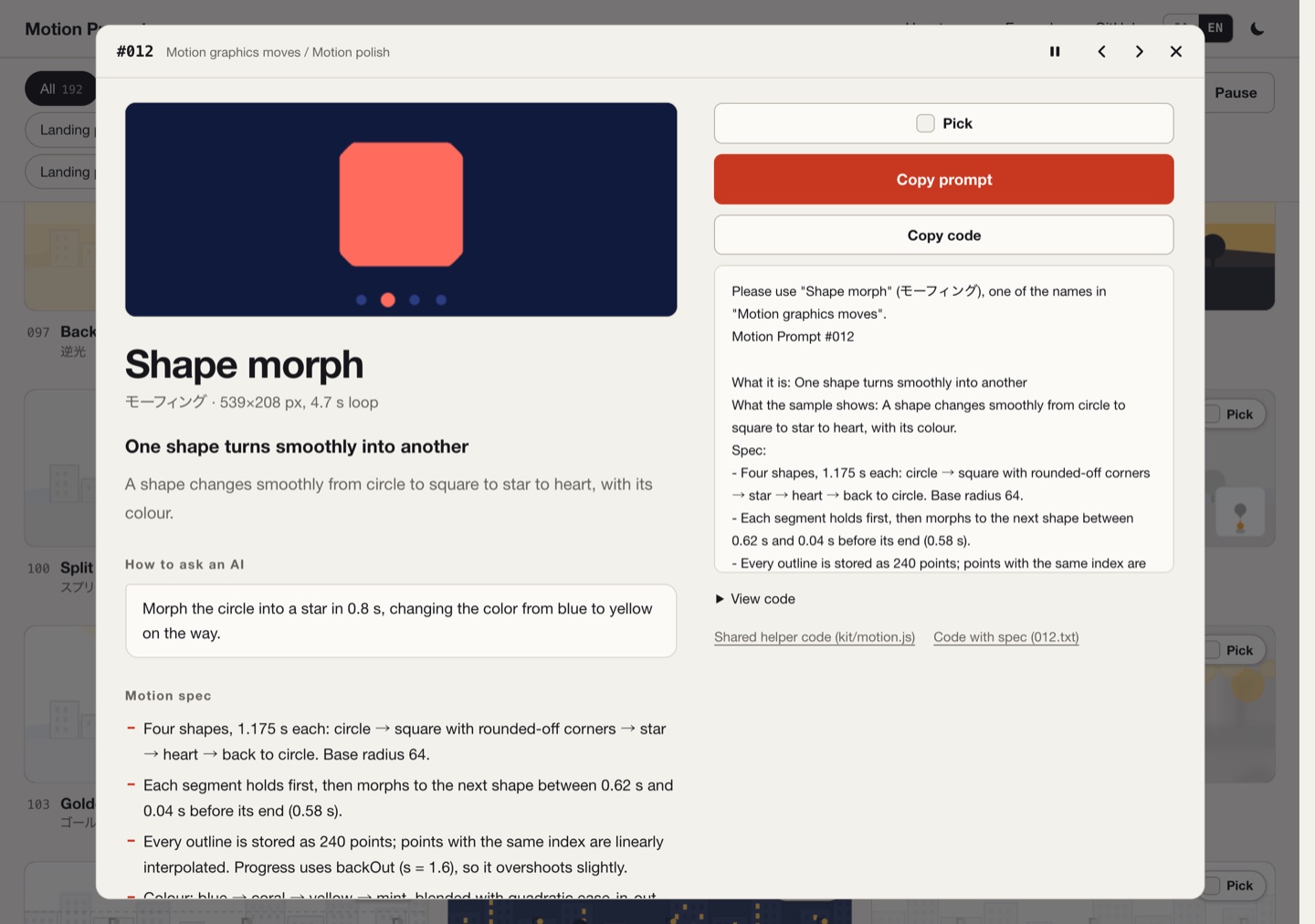
Open any number and you get a complete entry:
- a 4.7-second looping moving sample — not a video file, but something drawn live on a canvas
- a one-line meaning ("A shape turns smoothly into another")
- How to ask an AI: a single example request you can paste straight into a model
- a Motion spec: the effect broken into steps you can follow — timings, easing curves, distances, edge conditions, precise to the millisecond and the pixel
- Copy prompt / Copy code: the prompt and the reference implementation, both one click away
Take #012 "Shape morph". Its spec tells you: four shapes, 1.175 s each; each segment holds first, then morphs to the next shape over 0.58 s; every outline is stored as 240 points and points with the same index are linearly interpolated; progress uses backOut (s = 1.6), so it overshoots slightly; colours blend blue → coral → yellow → mint on a quadratic ease. An AI reading that can reproduce it almost exactly, and a person reading it can decide whether they want it at all.
Eight packs, 192 names
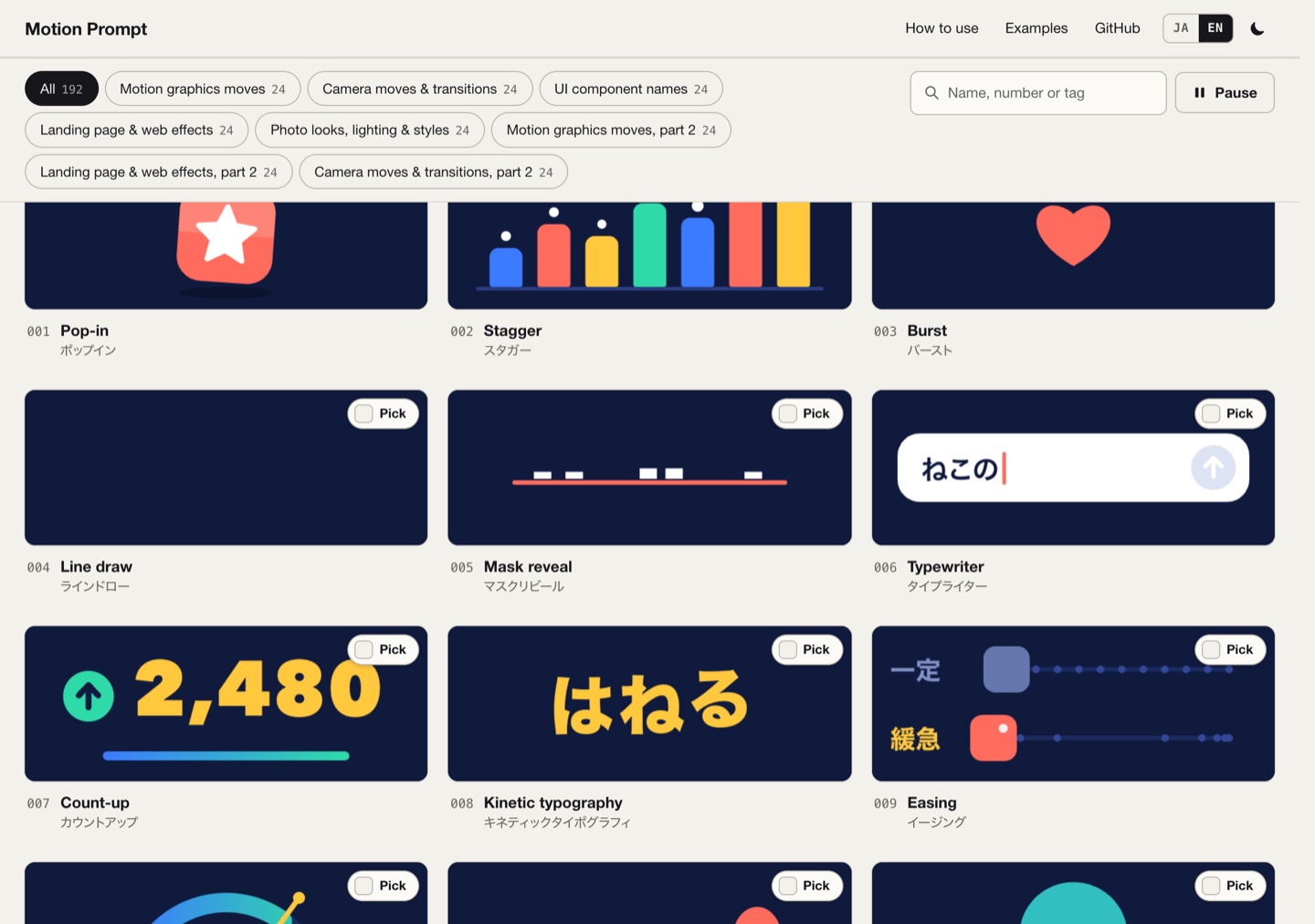
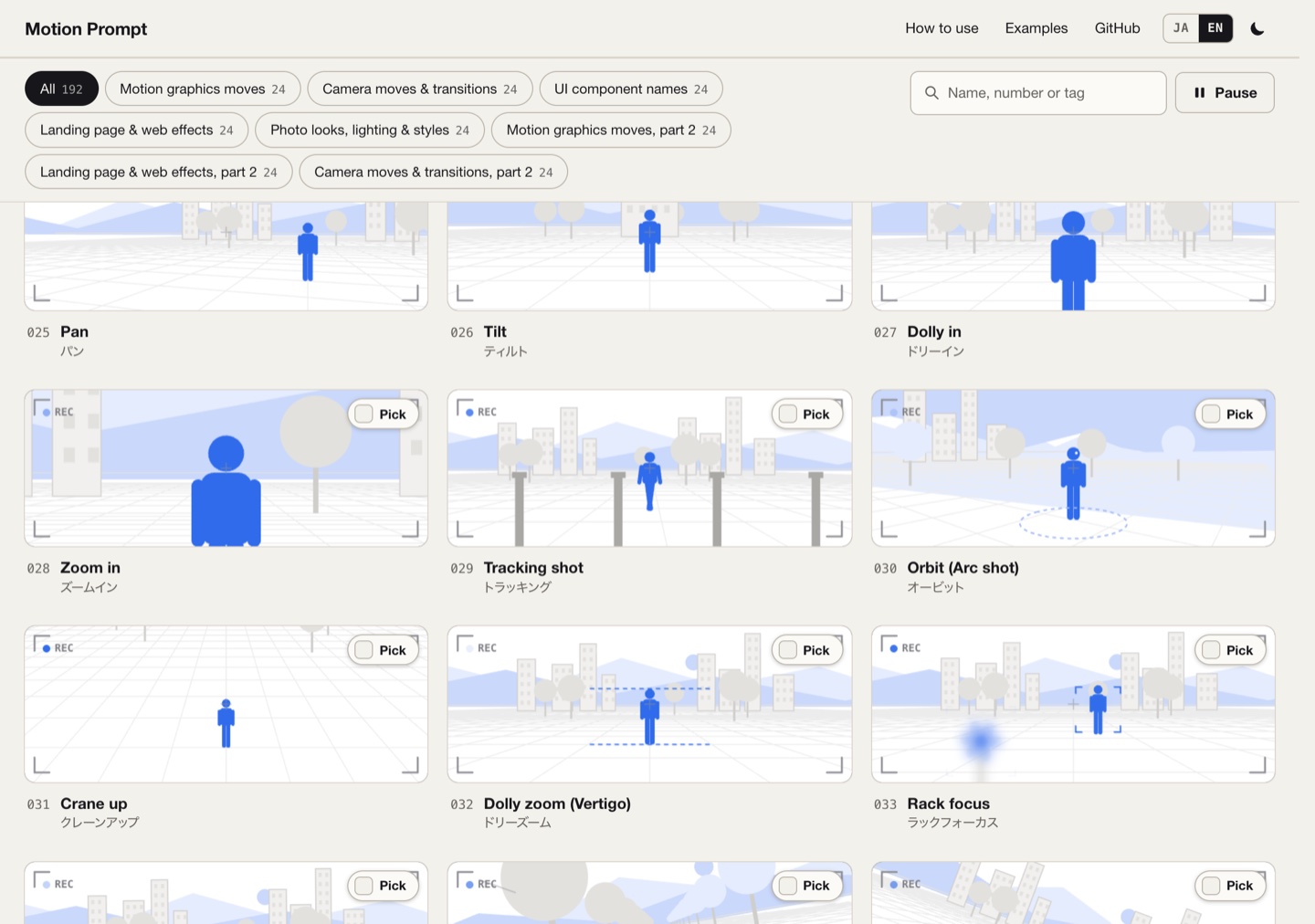
Eight packs of 24 names each, numbered straight through:
- 001–024 motion: motion graphics — Pop-in, Stagger, Burst, Line draw, Mask reveal, Typewriter, Count-up, Kinetic typography, Easing, Overshoot, Squash & stretch, Shape morph, Particles, Parallax… grouped into entrances & text, motion polish, transitions & highlights
- 025–048 camera: camera moves — Pan, Tilt, Dolly in, Zoom in, Tracking shot, Orbit, Crane up, Dolly zoom (Vertigo), Rack focus…
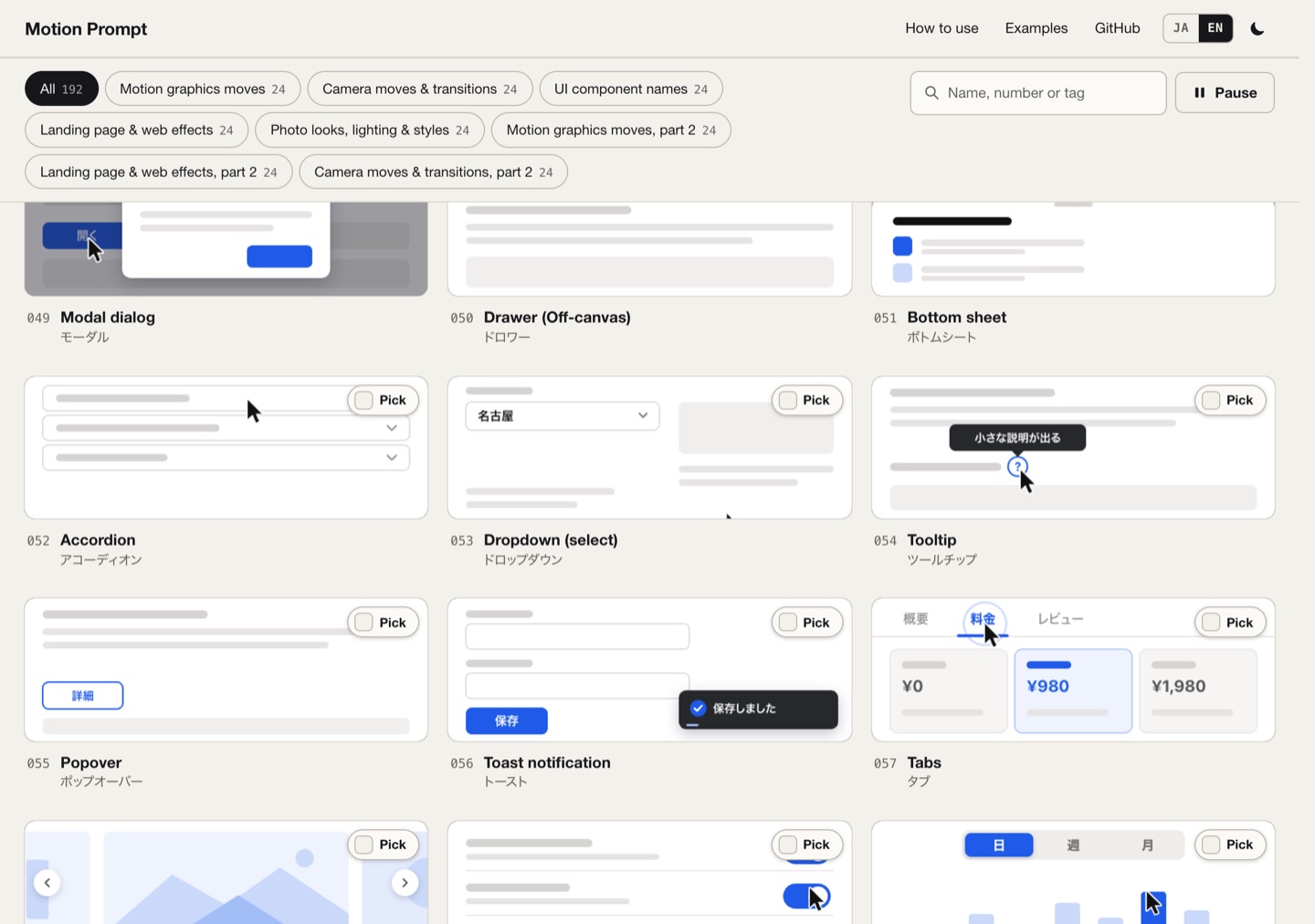
- 049–072 ui: UI component names — Modal dialog, Drawer, Bottom sheet, Accordion, Dropdown, Tooltip, Popover, Toast notification, Tabs… each demonstrated by a cursor that triggers it
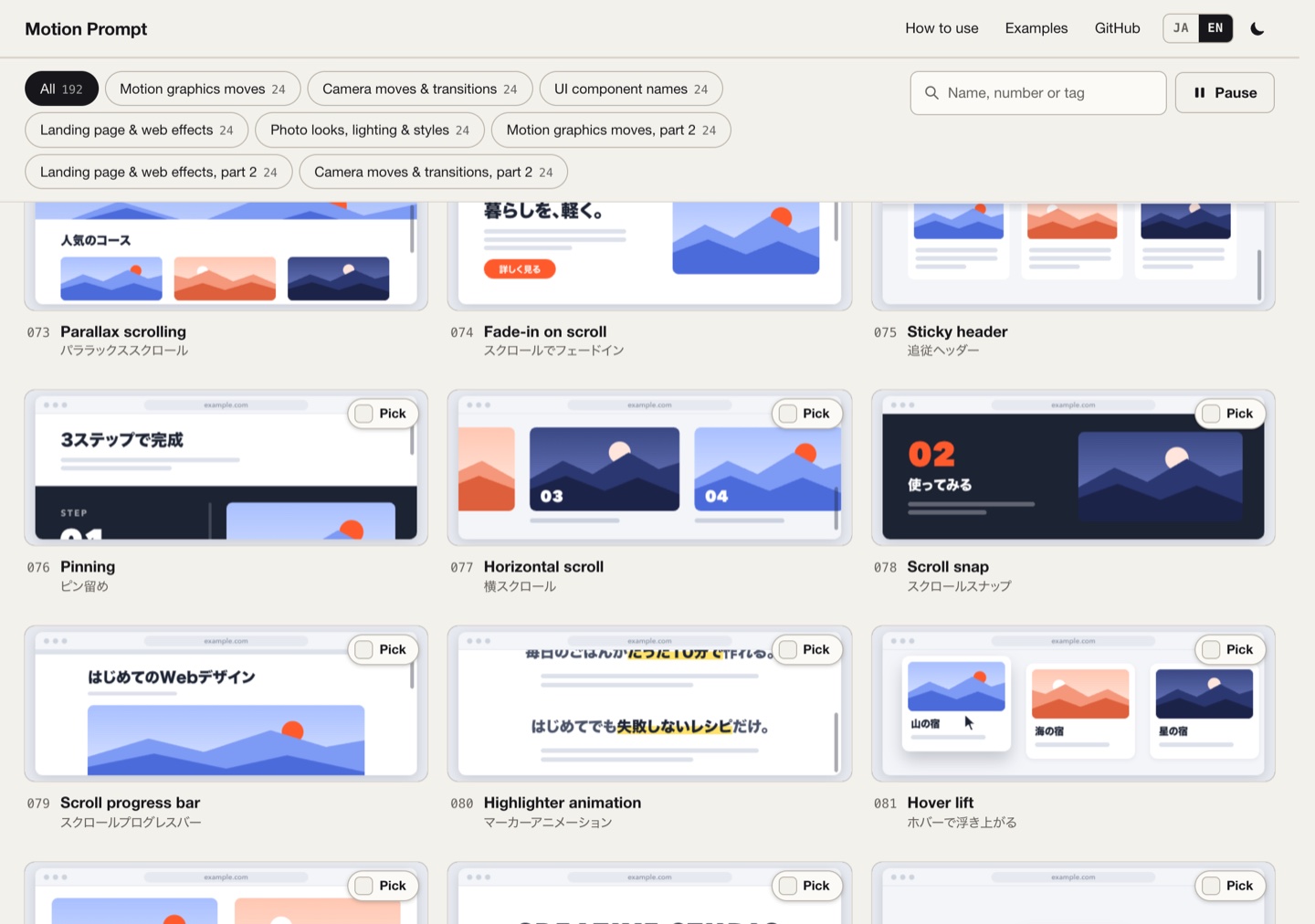
- 073–096 lp: landing pages and web effects — Parallax scrolling, Fade-in on scroll, Sticky header, Pinning, Horizontal scroll, Scroll snap, Scroll progress bar, Hover lift…
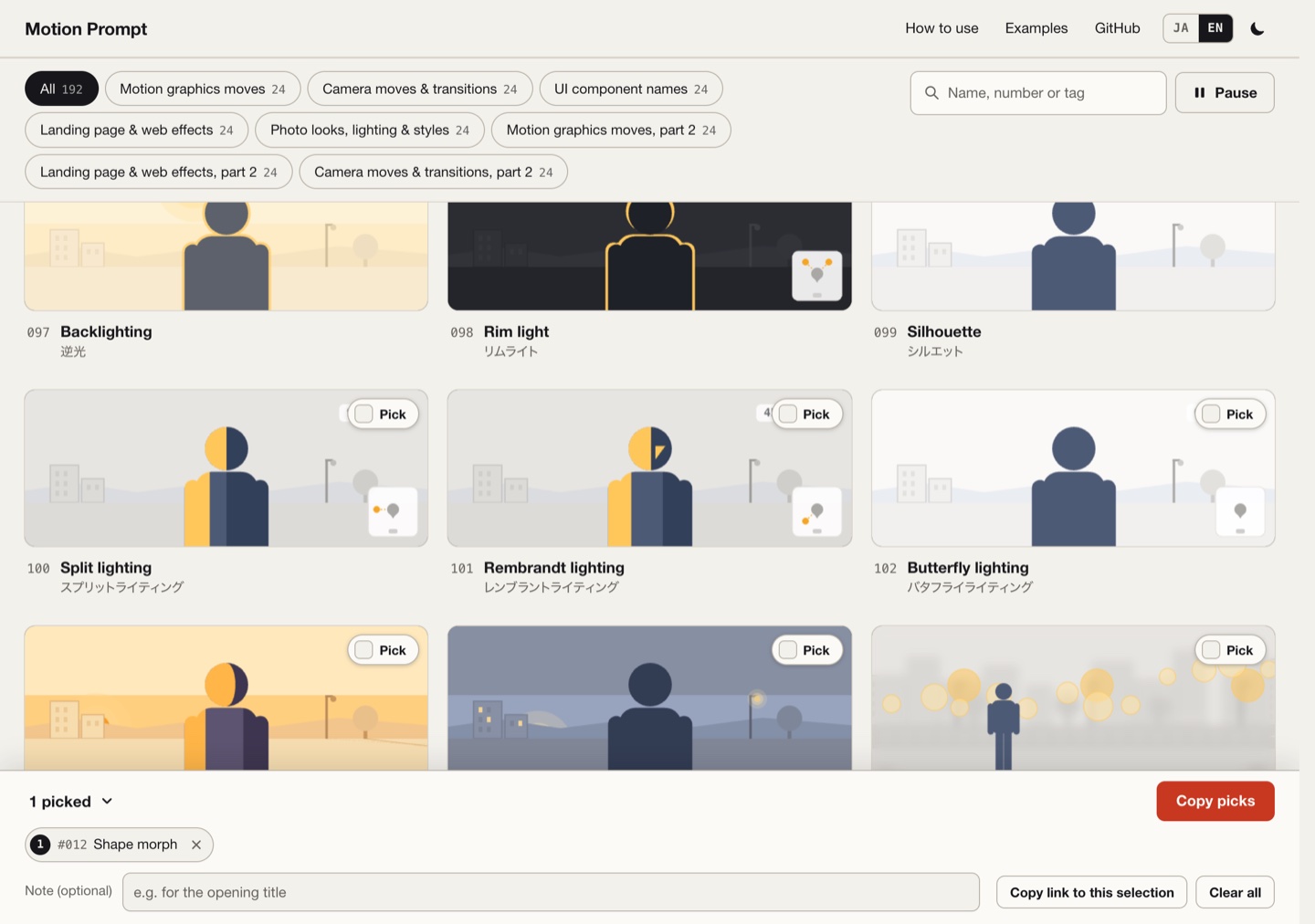
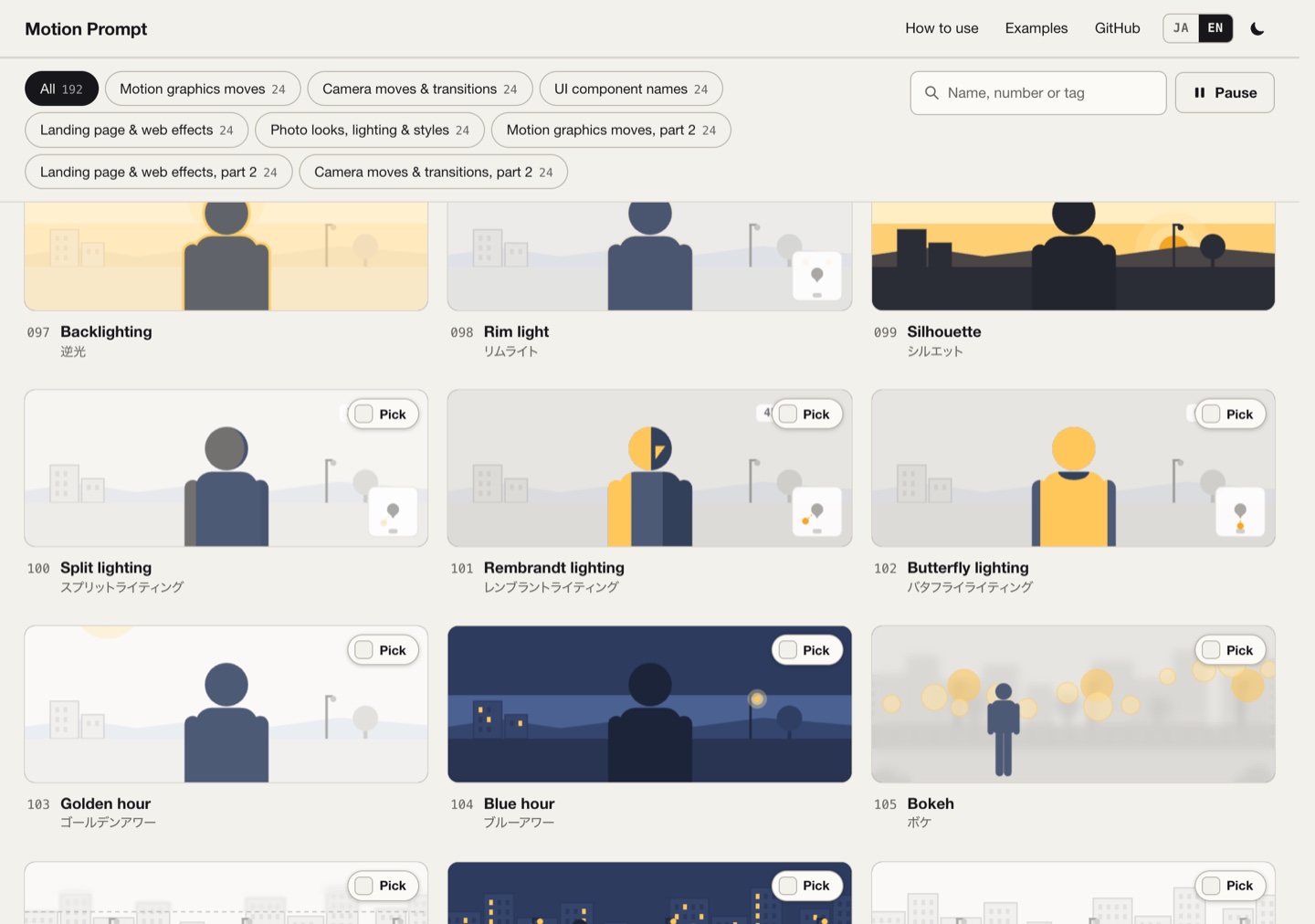
- 097–120 photo: photo lighting and looks — Backlighting, Rim light, Silhouette, Split lighting, Rembrandt lighting, Butterfly lighting…
- 121–144 motion2 / 145–168 lp2 / 169–192 camera2: the second set of three of those packs
What deserves a look is how the ui and lp packs are presented. Each one is drawn as a small wireframe page — ui on a quiet off-white with thin outlines and a pointer; lp as a browser window sitting on a desk, where scrolling, snapping and sticky headers actually happen inside the window. You are not looking at a diagram; you are looking at the effect.
Pick them, then send them to your AI
There are three ways to use the library. The first is packaged as an agent skill:
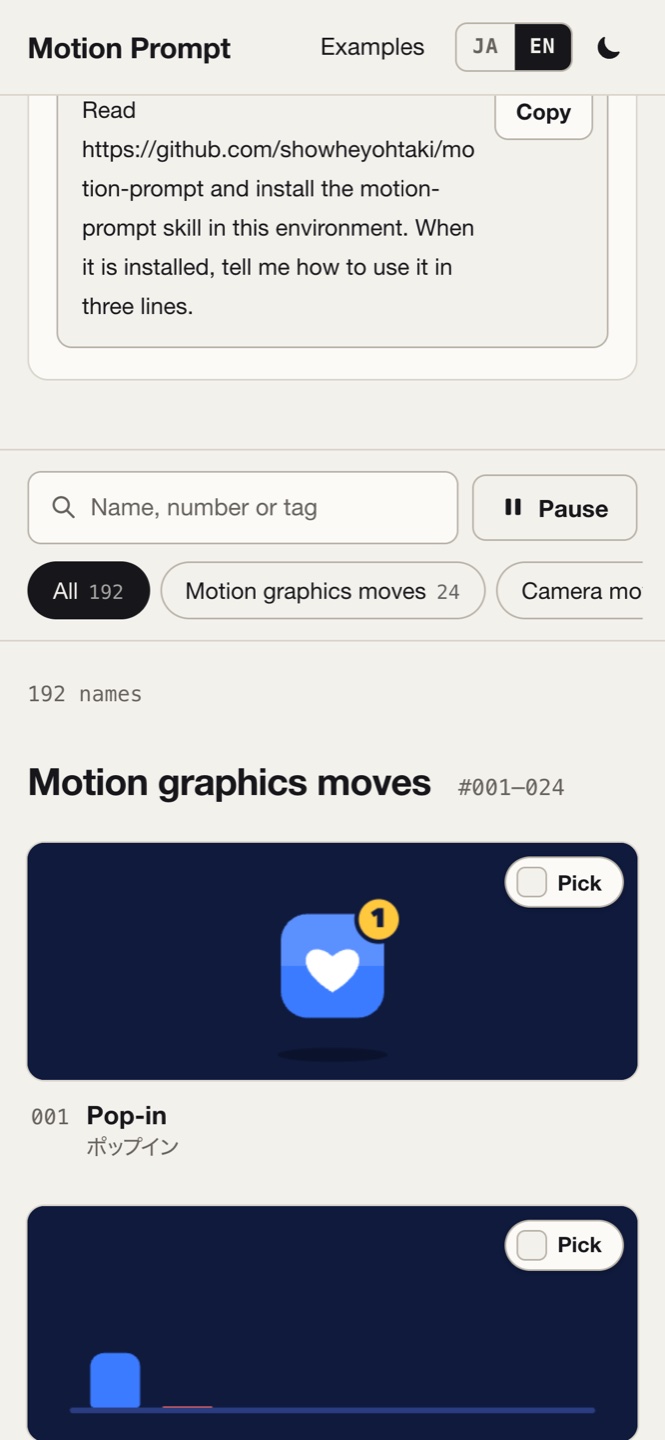
Run npx skills add showheyohtaki/motion-prompt in a terminal, then tell your AI "open the motion-prompt library" and the gallery opens in your browser. Press Pick on whatever you want; when you have enough, write a short note at the bottom (say, "for the opening title") and press Copy picks or Send to AI — the numbers, names, specs and your note all go to the model together.
The second way needs no install: look up the name of the thing you have in mind and put the name in your prompt. "Bring the title in with a mask reveal from below, 0.6 s, each line slightly after the one before" — that sentence works on a coding AI, a video-generation model, or a human designer.
The third way is to make another library for your own field: the repo ships three copy-and-paste prompts (translate, your own field, a one-page cheat sheet) plus a script that renders the videos; two complete examples are already there.
Behind every name is a working implementation
This is what separates it from a mood board: every sample is a real, runnable implementation, and it is deliberately portable.
The convention in the source is: one element is one function, cells[i](ctx, w, h, u) — ctx is a 2D canvas context, w/h the card size, u the time in seconds within the cycle. The picture depends only on u; the function never reads the clock or uses random numbers, so live playback and frame-by-frame rendering produce the same frames. Colours, sizes, cycle lengths and shared helpers live in each pack's kit, elements depend only on their own pack's kit, and there are no external libraries.
The same convention shows in the public interface: api/v1/ is a set of static files — catalog.json (metadata for all 192), {ja,en}/catalog.tsv (an index), e/{id}.txt (one entry's spec plus full code), p/{id}.txt (a paste-ready prompt), kit/{pack}.js (the pack's shared code). The skill's CLI only makes GET requests, reads nothing from your project and uploads nothing; pick opens a temporary listener on 127.0.0.1 and receives only the numbers and note you picked in the gallery.
One look per pack, on purpose
motion is dark navy with four colours; camera is light grey with one blue; ui is warm off-white, black and a blue; lp is a browser window on a pale grey desk with vermilion as the accent; photo has no shared palette at all — each card is painted in the colours of its own scene, and the effect fades in and back out so you can compare.
The README says it outright: what a pack has to get right is the names, not a house style. So within one library, five packs look like five separate small products; only the way names and specs are written stays consistent.
Five languages, and some care for people
Every name, meaning and example request exists in English, Japanese, Spanish, Simplified Chinese and Traditional Chinese (the Spanish, Traditional and Simplified Chinese translations were started by community contributors). The gallery interface itself is English and Japanese, and has a dark mode and a Pause button — one press and every animation on the page stops, which matters for anyone sensitive to motion.
On a phone the grid becomes a single column, showing one or two names at a time — arguably a better fit for "looking a word up" than the desktop grid.
Verdict
It translates taste into vocabulary. Where most people get stuck working with AI is not description; it is not knowing that the thing has a name. This library puts 192 names, what they look like, how to ask for them and how to reproduce them precisely on one page — and makes all of it movable under MIT: into your prompt, your video project, your own field.
Attribution
Motion Prompt is by Shohei Ohtaki (Daytra Inc., X @showheyohtaki); the gallery is at showheyohtaki.github.io/motion-prompt and the code is MIT-licensed on GitHub (keep the first line of an element's code when you reuse it). The Spanish, Traditional Chinese and Simplified Chinese translations began with @herberthcr, @daddydanielt and @xhonye; the gallery-plus-skill format takes after Lucian UX/UI Prompt. Screenshots here were taken by us from the live gallery (desktop 1280×900, mobile 390×844); the samples and artwork belong to the author.
Sources
- [1]Motion Prompt — galleryShohei Ohtaki
- [2]
Related cases
- → Awesome AI Creative GalleryResource
- → 369 AI Video Projects for Coding AgentsResource
- → Plant SmartResource