Lemo-Opuscar
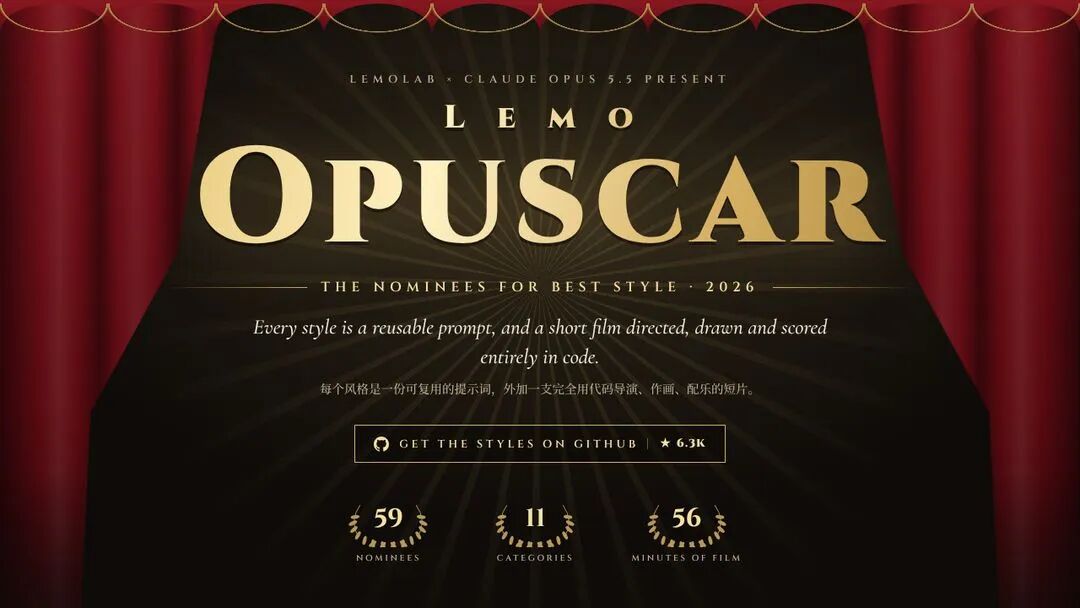
An open-source Claude Code Skill that organizes videos made with Opus 5.5 code into 66 ready-to-use styles — each style is a reusable prompt plus a demo film directed, drawn and scored entirely in code.
- styles
- 66 ready-to-use styles · 11 categories (59 when the article was published)
- stars
- 14.5K (as of 2026-11-10)
- license
- MIT · free and open source
- how it's made
- Visuals and score generated by Opus 5.5 as code · TTS voiceover · no video models
- runtime
- About 30–60 minutes per film · token-heavy
- requires
- Node 20+ · ffmpeg · Python 3.11+
- install
- Claude Code plugin (lemolab marketplace)
- published
- 2026-11-11
- updated
- 2026-11-11
Contents8 sections · 11 items
- Editing & documentary · 8 styles
- Empirical footage · 8 styles
- Hand-drawn & painting · 7 styles
- Eastern traditions · 4 styles
- Print & engraving · 5 styles
- Graphics & typography · 7 styles
- Information & publishing · 5 styles
- Cartoon & animation · 4 styles
- Games · 4 styles
- Film & eras · 2 styles
- Materials & 3D · 5 styles
It turned Opus 5.5-made videos into a style library
Every platform is currently boosting code videos, and accounts have hit ten thousand followers in a month and millions of views on them. The method is no mystery: one Claude Opus 5.5 and a topic, and you can start. The HalfAI article we reference shares the Skill that makes it easy — Lemo-Opuscar.
Its strongest point is not "it makes videos", but that it has organized the video content people have made with Opus 5.5 into ready-made, named styles. You no longer design a style from scratch — install the Skill, say which style you want, hand it your topic and material, and it generates video in that style.
Every demo film in the repo has visuals and a score written by Claude as code, with the voiceover synthesized by TTS: no video-generation models, no stock footage. Each style is a reusable prompt plus a short film directed, drawn and scored entirely in code. The GIFs below were captured by HalfAI after actually running the repo.
The style gallery: 11 categories, one by one
Editing & documentary · 8 styles
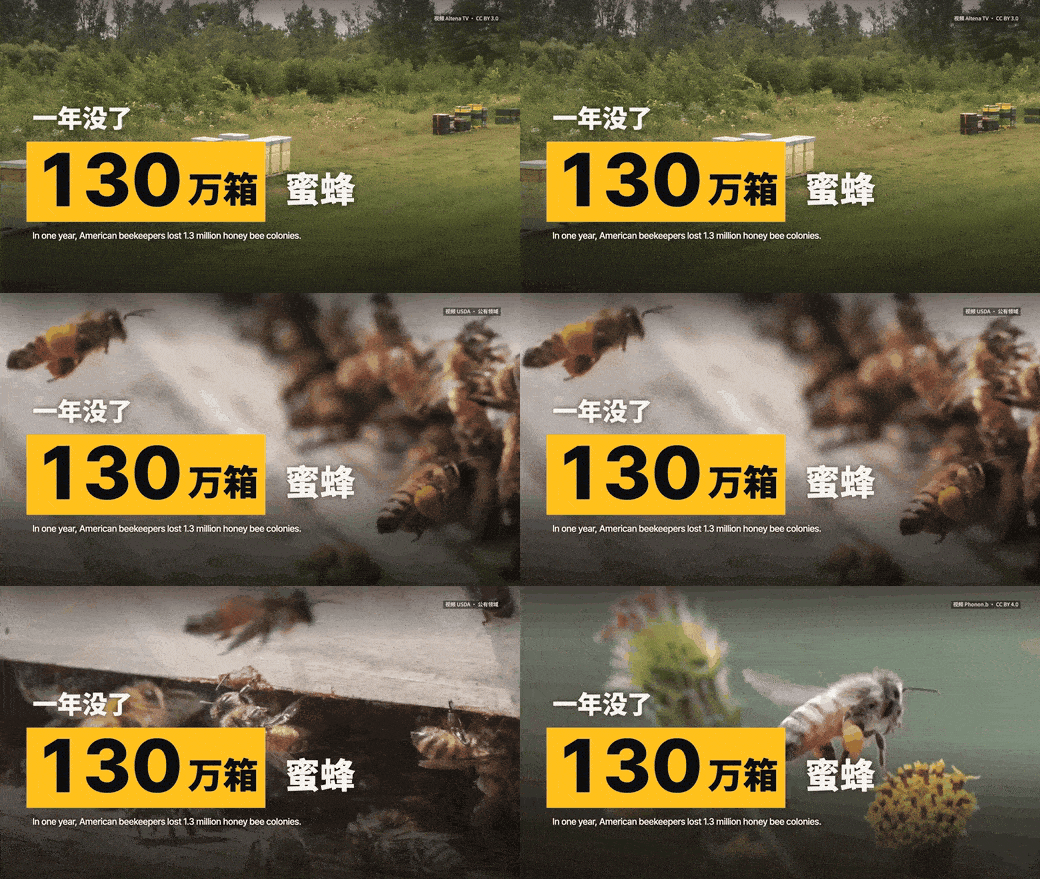
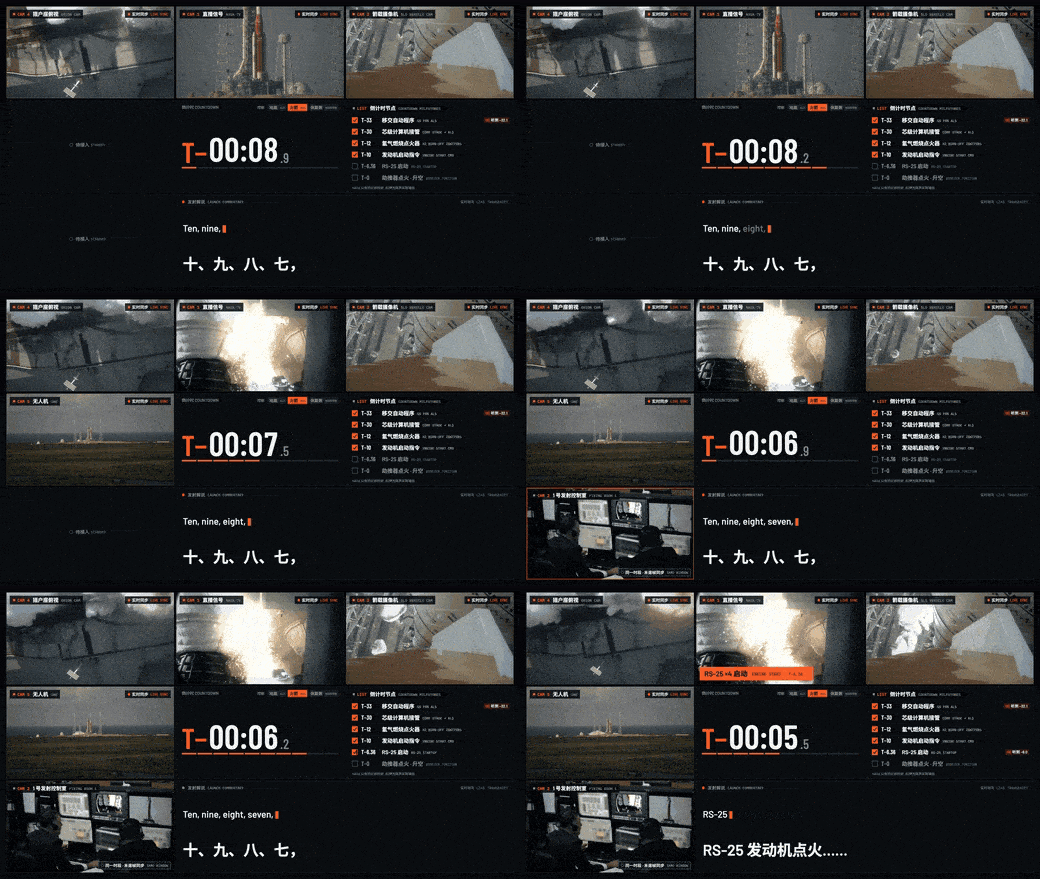
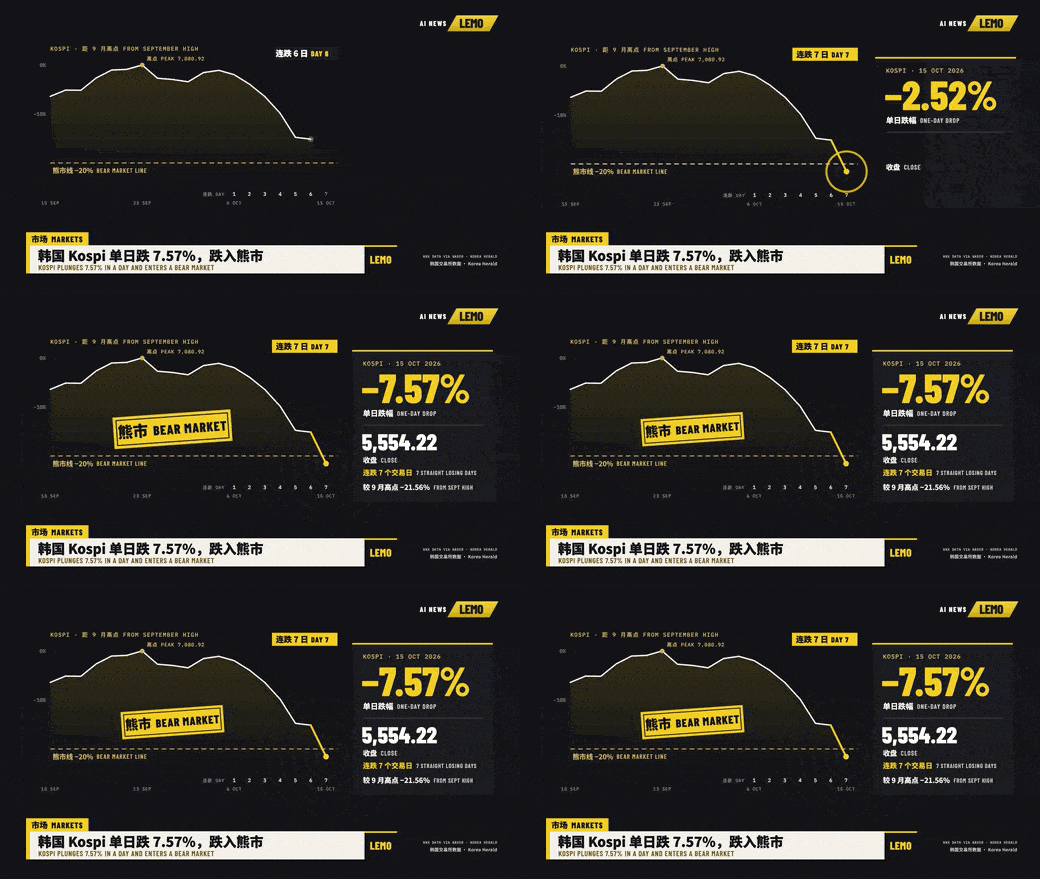
Feed it real footage and it cuts the material into news visuals. Captioned news is what many news accounts use — understandable even on mute; the real-time countdown split screen suits rocket-launch coverage, tiles counting from 1 to 9 down to ignition; the sports tactics board freezes the frame, draws lines and splits screens, with every player's position and trajectory clear; TV news packaging is a whole station's opening titles, usable for daily or morning briefings. This category also has 1920s newsreels, timelapse symphony, visual investigation and constructivist montage — visual investigation walks through a single object or event in detail, great for explainer content.

Empirical footage · 8 styles
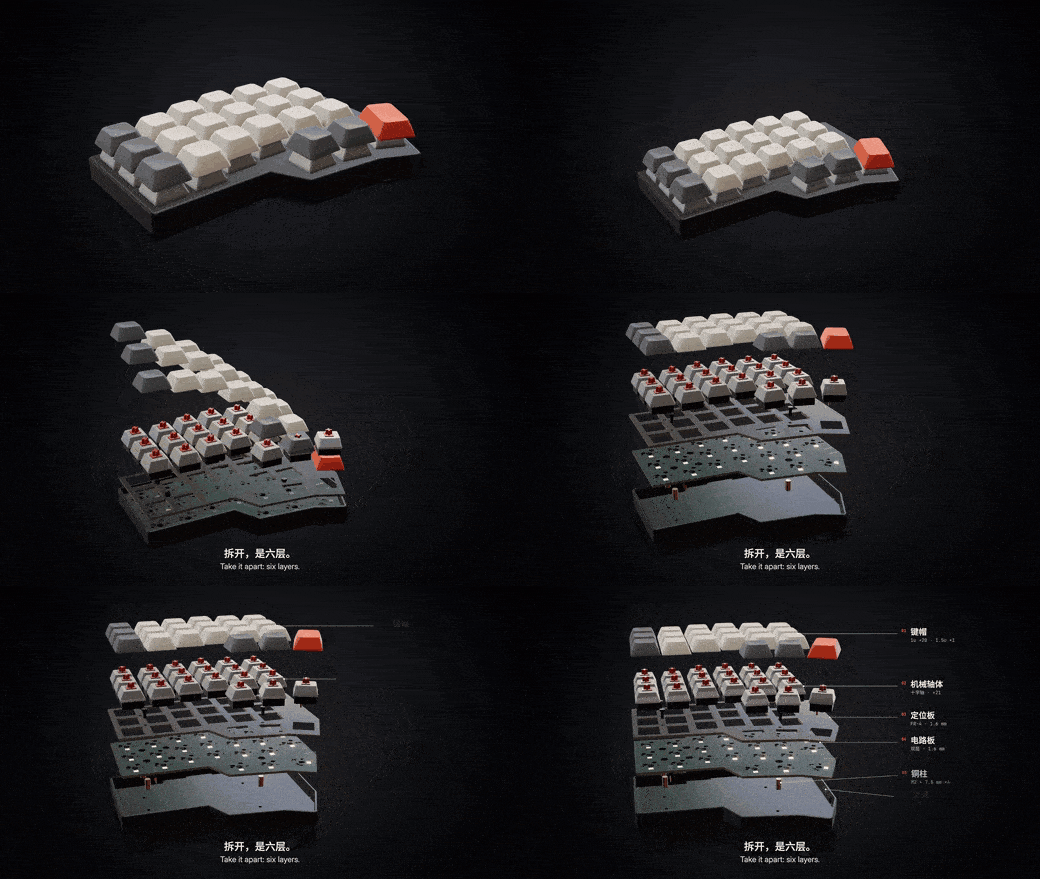
Uses maps, satellite imagery or 3D models to introduce places and disassemble products — and every number has a cited source, which is what separates this from ordinary infographics.

Hand-drawn & painting · 7 styles
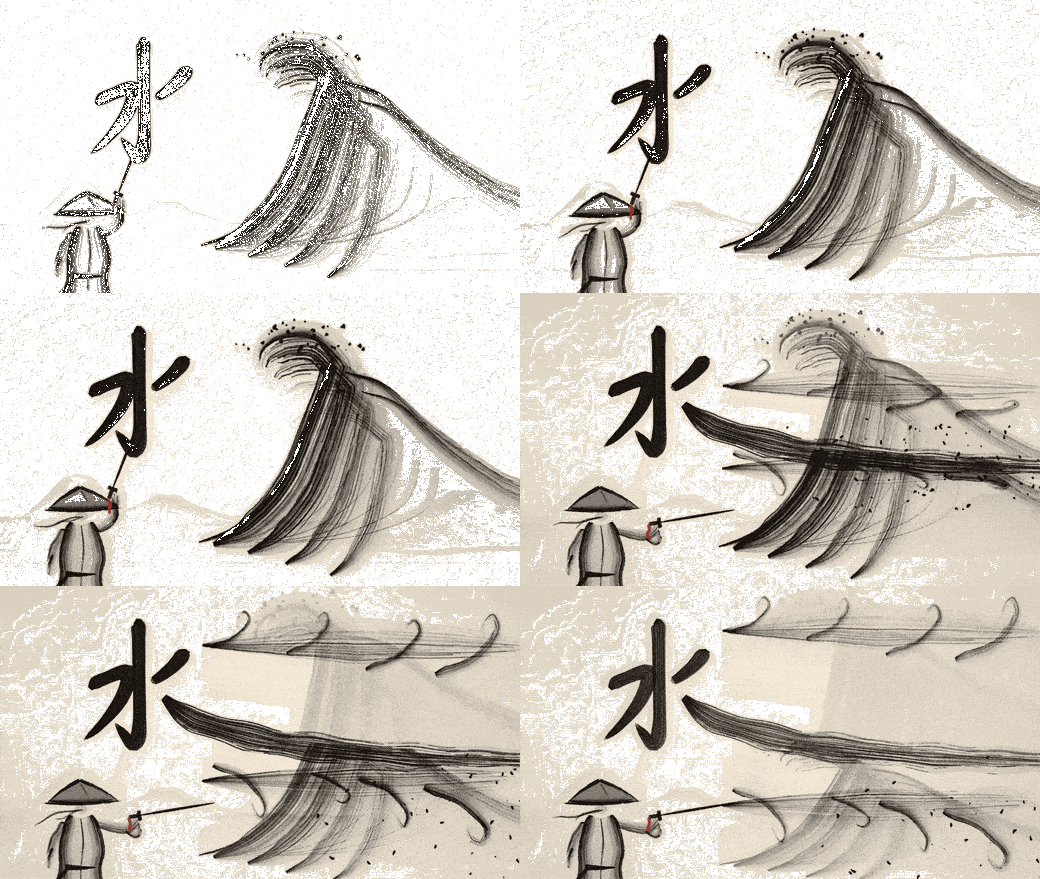
Brushwork, watercolor, Chinese ink wash, plus oil impasto and one-line drawing styles — a good fit for explainer videos.
Eastern traditions · 4 styles
Shadow puppetry, ukiyo-e, red paper-cut window flowers and paper-carved lantern shadows — stylized, distinctly Asian looks.

Print & engraving · 5 styles
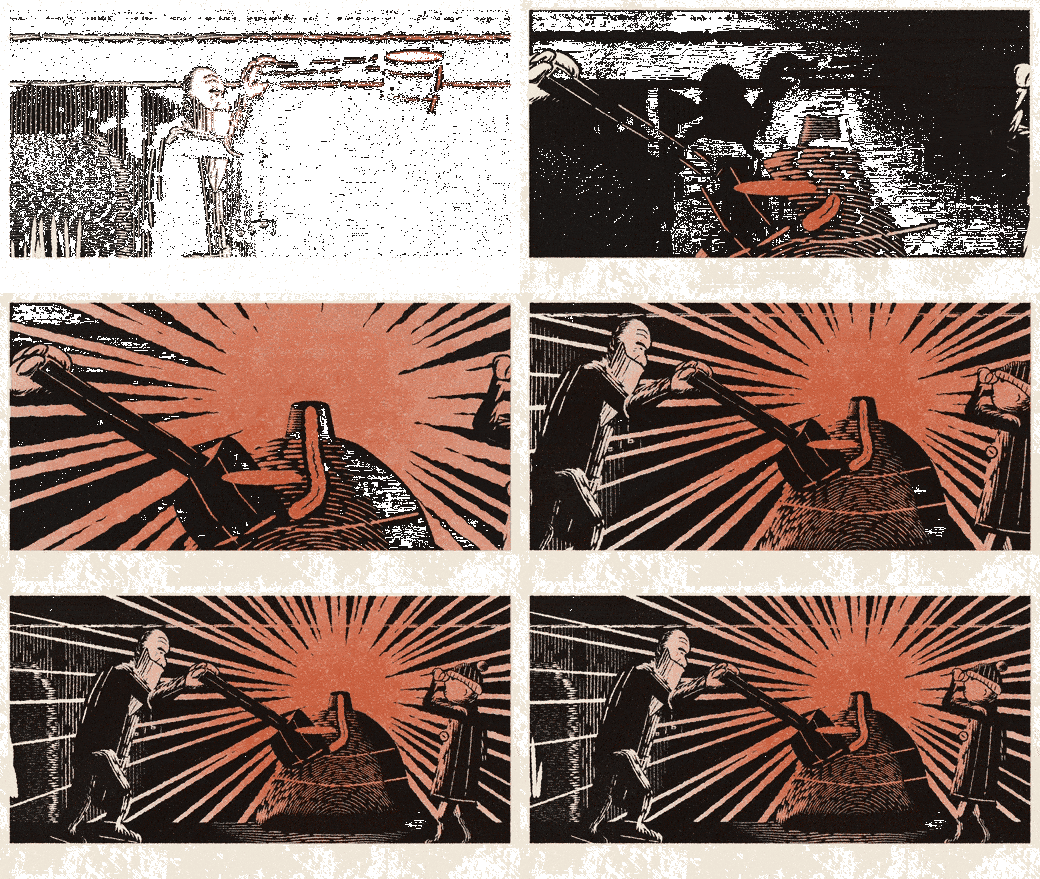
Riso printing, woodcut, copper engraving — those print-flavored, stylized textures.
Graphics & typography · 7 styles
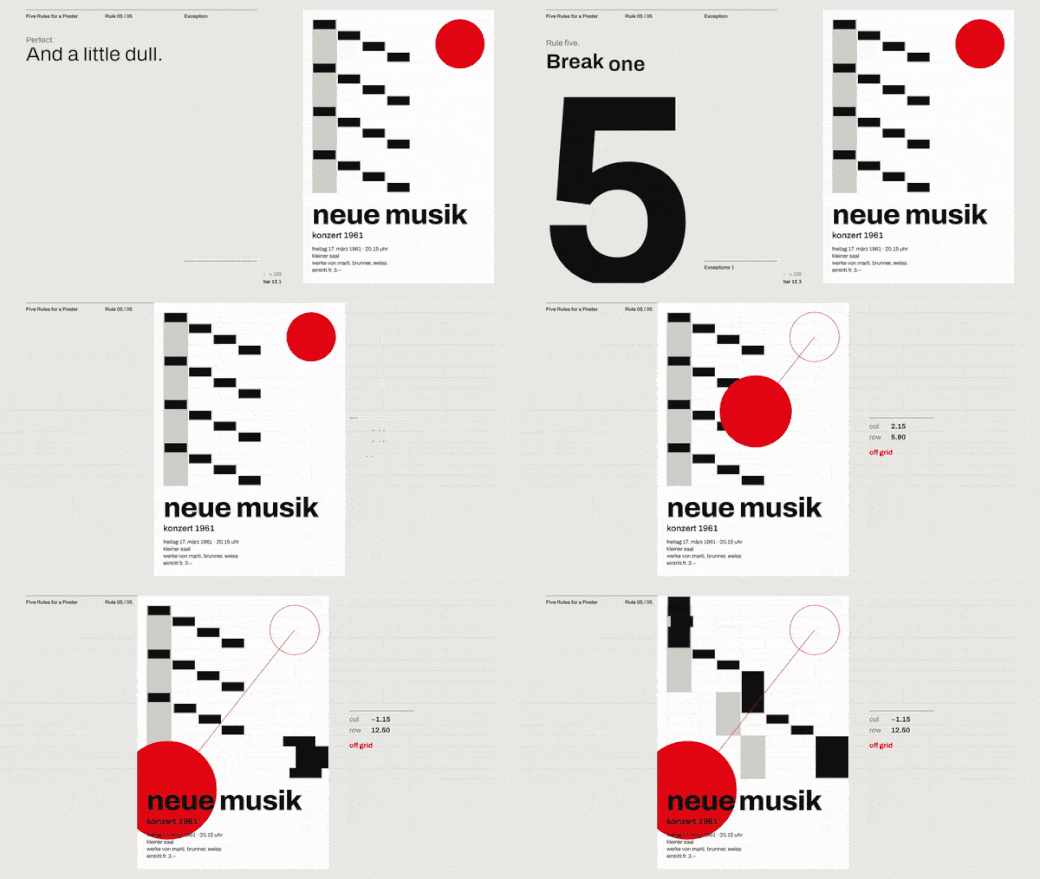
Typography-driven looks, like Swiss kinetic type: a grid, one signal color, every move on the beat.
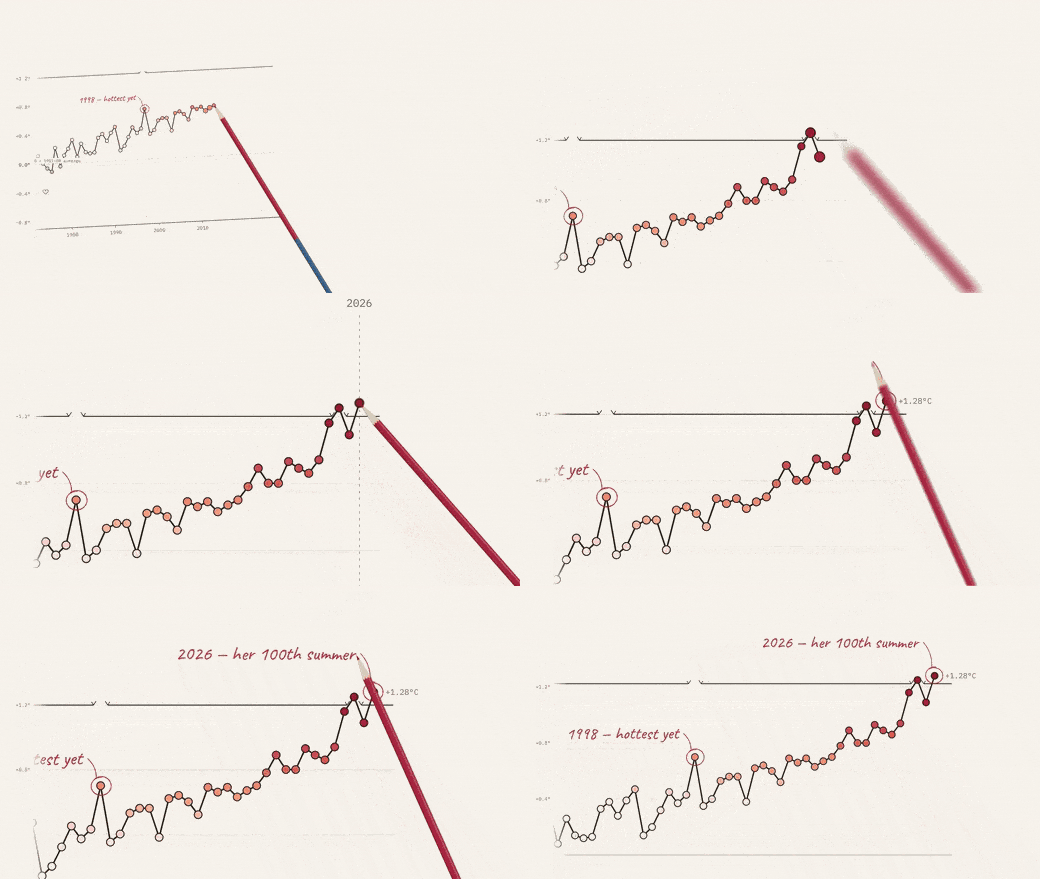
Information & publishing · 5 styles
Product intros, data storytelling, screen recordings — built for product launches.
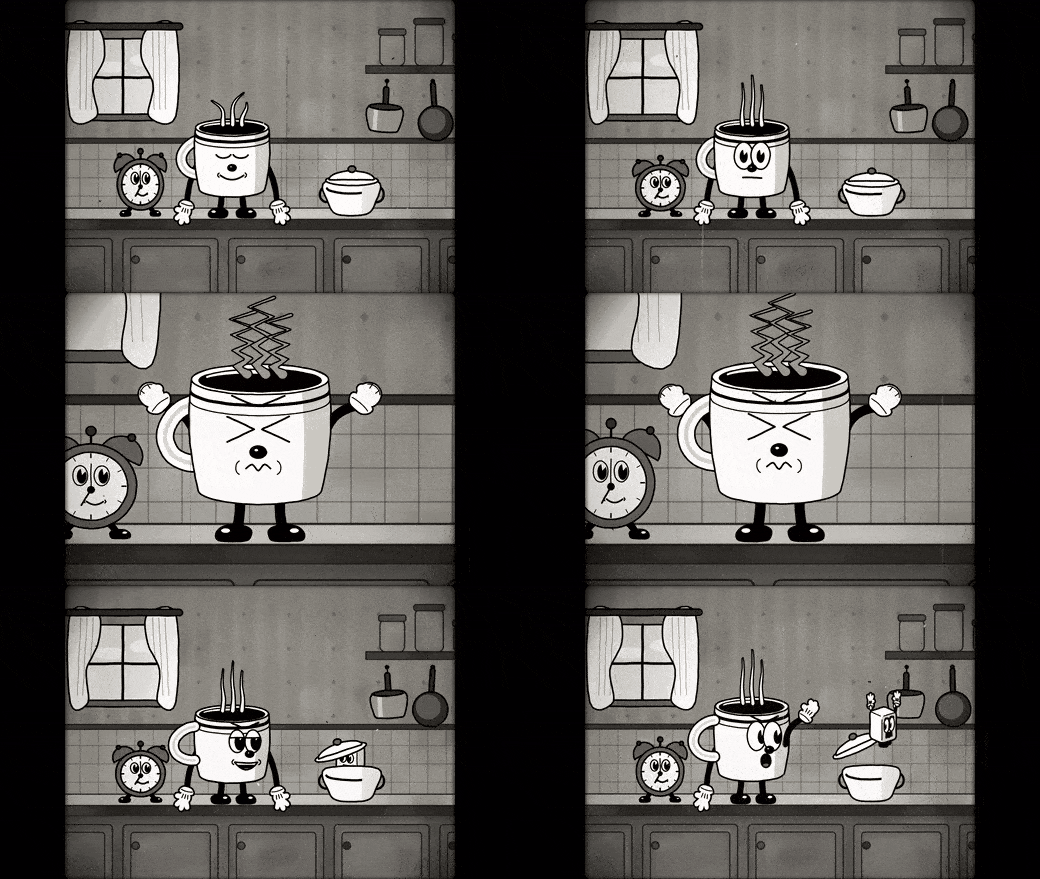
Cartoon & animation · 4 styles
1930s rubber-hose cartoons, 1980s cel animation, plus sci-fi sitcom cartoon.
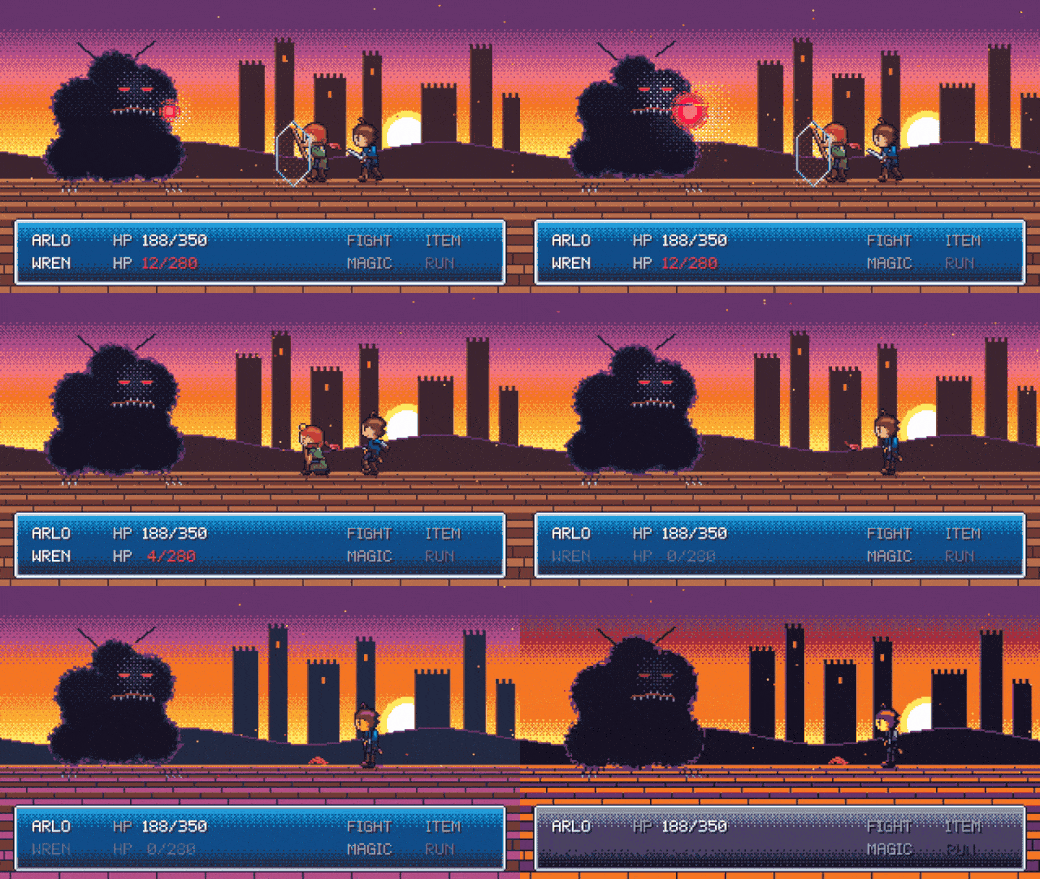
Games · 4 styles
16-bit pixel RPG, micro-game flash and variety-show flat rhythm — playful, cute, kinetic game-flavored looks.
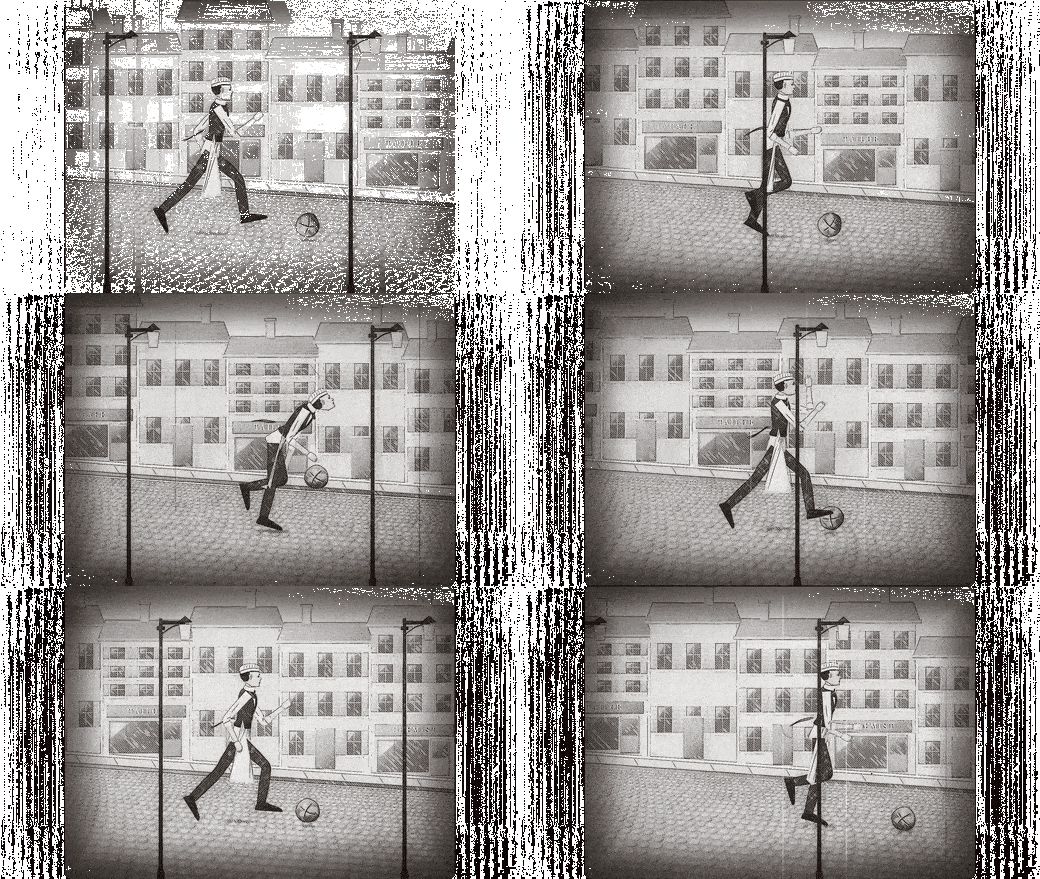
Film & eras · 2 styles
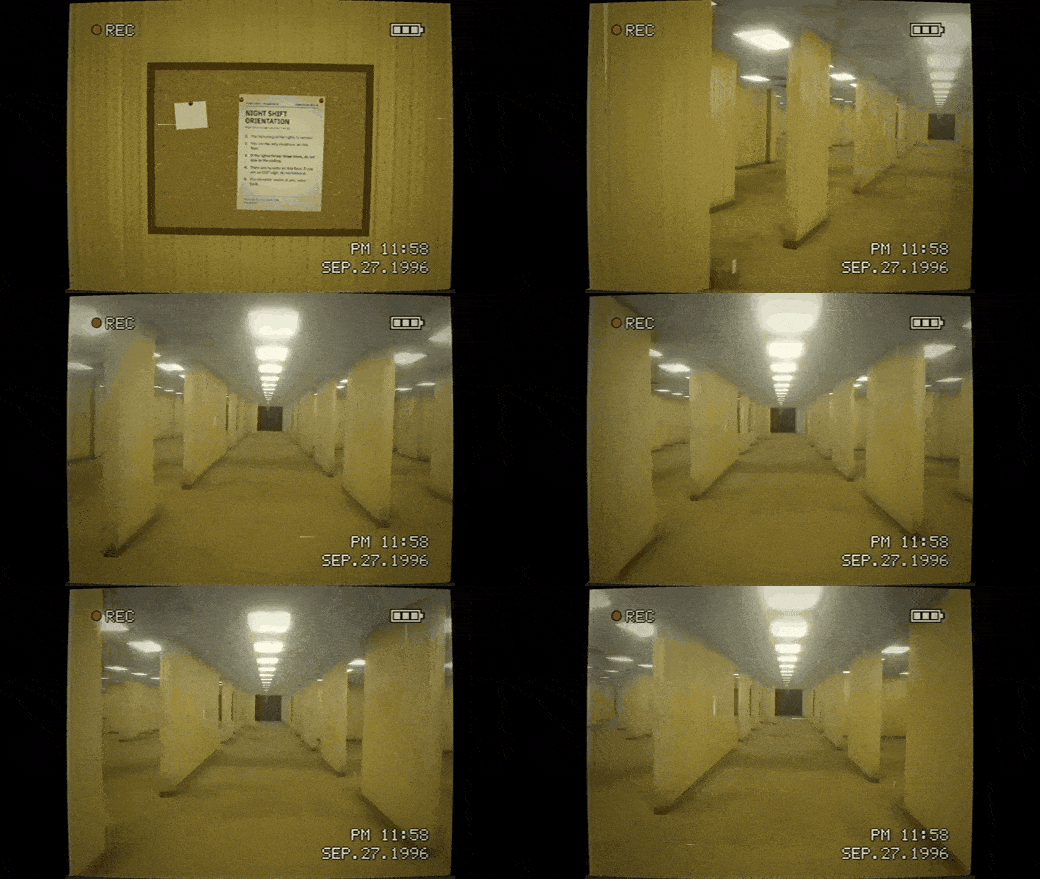
1920s silent film, and the Backrooms new-weird look — you can turn all your footage into this style.
Materials & 3D · 5 styles
Brick toys, pop-up paper books, tilt-shift miniatures — 3D-flavored textures.

Why it's worth keeping
The article author's own words: "Honestly, this is the first time I've seen a repo like this." The value isn't the prompts themselves — it solves a specific problem: some people know exactly what feeling they want but don't have the style's name or concept in their head. With a style library indexed by name, you stop asking the AI to invent a style from zero.
Turn it into your own style
A recently added feature in the repo: feed in your brand colors, logo, IP and account tone, and turn a built-in style into yours. For example, the repo author turned Swiss kinetic typography into "Material grid" — keeping the grid, the beat and the fonts, but swapping in real objects made of clay, plastic, velvet, glass and chrome.
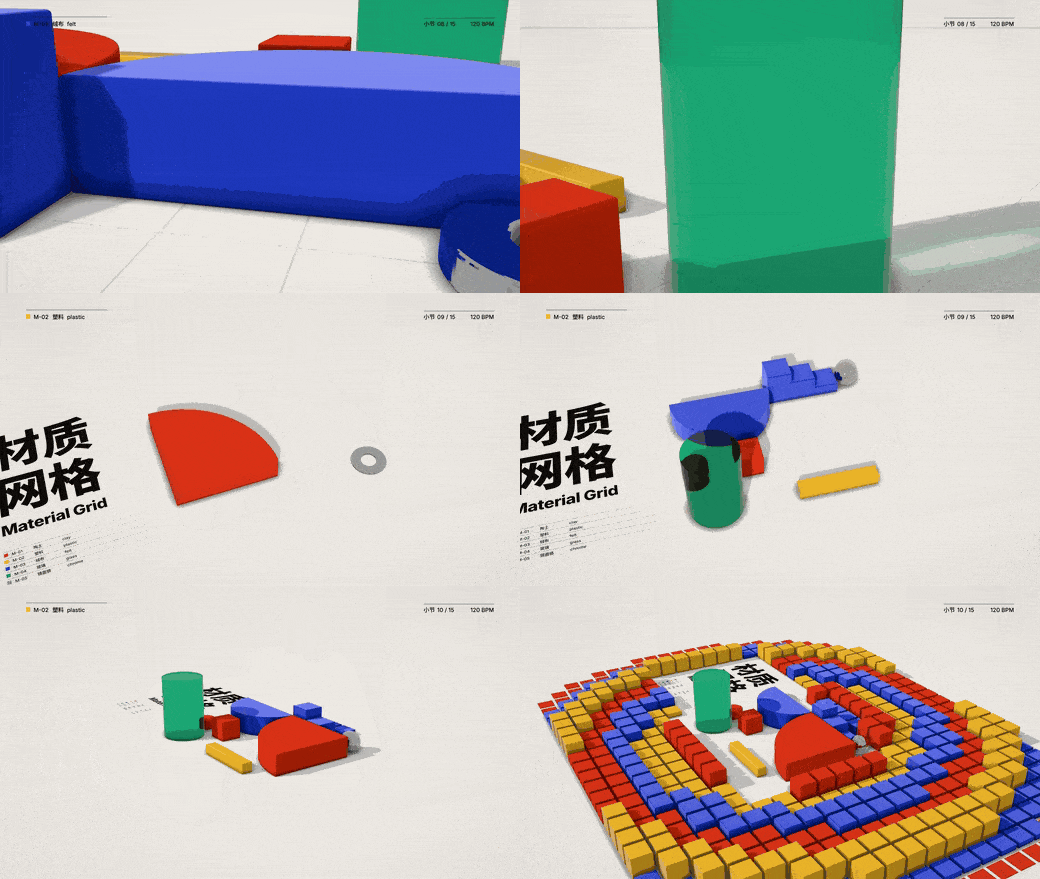
The remaking process is one question at a time: each question gives a few options, recommended first; it shows you a style image, then cuts a 15-to-30-second demo film, and only saves it as your named style once you're satisfied — after that, you just call it by name.
Install and use
Completely free and open source. It installs into Claude Code with two terminal commands (HalfAI tested the install):
claude plugin marketplace add lemomo-ai/lemo-opuscar
claude plugin install lemo-opuscar@lemolab
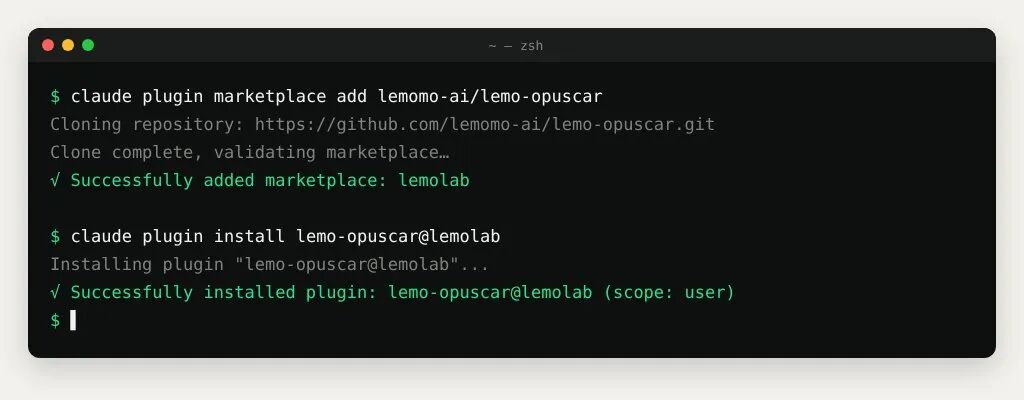
Then just say what film you want — style names work in Chinese. The README's example:
Make a 30-second film in oil impasto style about my orange cat that waits on the windowsill every day for me to come home from work.
If you haven't picked a film yet, run /lemo-opuscar:lemo-opuscar and it asks first whether you want to make a film with a library style, remake a style as your own, or use a style you've saved.
Before you start
Three preconditions, stated plainly in the article:
- Styles are tied to Opus 5.5. Every style was tuned against Claude Opus 5.5; other models give no guarantee.
- Time and tokens are real. One film takes the agent roughly 30 to 60 minutes, and the token usage is not small.
- Environment requirements. You need Node 20+, ffmpeg and Python 3.11+ on the machine.
Verdict
Use it as a style index, not a video generator. The real product is "a style's name + a reusable prompt + one all-code demo film" — the video is just how the demo is presented. The right way to pick a style is to watch the demos first; the felt difference between categories is much larger than the names suggest. Before you start, keep three things in mind: Opus 5.5 only, 30–60 minutes per film, and non-trivial token cost.
Attribution
Compiled from HalfAI's article (这个Skill,让你轻松做59种视频风格,助你涨粉上万) and the lemomo-ai/lemo-opuscar repository (MIT). The GIFs and screenshots come from the article author's own runs of the repo; copyright stays with HalfAI and Lemomo. Currency facts (66 styles, 14.5K stars) verified against the repository as of 2026-11-10; at publication the article reported 59 styles and 6.3K stars.
Sources
- [1]
- [2]
Related cases
- → HallmarkTools
- → LumabookTools
- → Three.js Architecture EffectsTools